
Scotnix Technology Private Limited
Smart • Secure • Reliable
Scotnix Technology Private Limited
Smart • Secure • Reliable
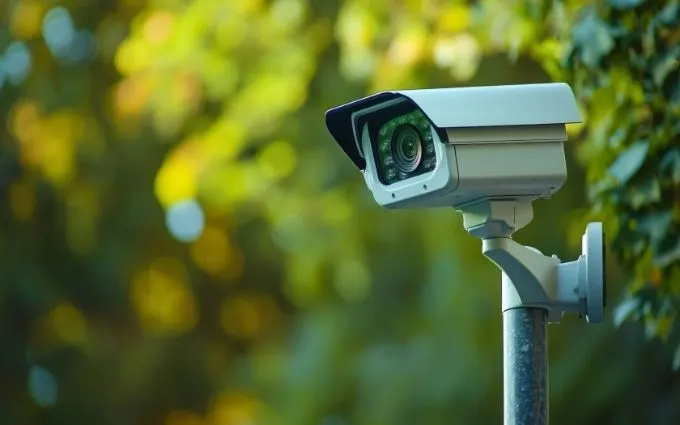
Scotnix Technology installs CCTV camera systems for businesses across Bangalore: site survey, HD and IP cameras, NVR or DVR recording and remote viewing on your phone, followed by ongoing maintenance.
Scotnix Technology installs CCTV systems for businesses and commercial premises across Bangalore, from a few cameras at a single entrance to multi-floor coverage. Each project covers the site survey, camera placement, cabling, NVR or DVR recording, remote viewing on your phone and ongoing maintenance, carried out by our own technicians.
Outdoor cameras in Bangalore have to cope with heavy monsoon rain, so exterior positions get weather-rated cameras, and every system is set up for remote viewing.
Indoor and outdoor camera placement, including PTZ cameras, designed for full site coverage and clear footage.
Reliable storage configuration with retention policies suited to your business needs.
View live and recorded footage securely from your phone or desktop, anywhere.
Scheduled upkeep, lens cleaning and storage health checks to keep footage available when you need it.
Both record good footage. The choice depends on how many cameras you need, how far they are from the recorder, and whether existing cabling can be reused.
| IP cameras | HD analog cameras | |
|---|---|---|
| Recorder | NVR | DVR |
| Cable | Network cable (Cat6) | Coaxial cable |
| Power | Usually PoE: power and video over one cable from a PoE switch | Separate power supply to each camera |
| Image and features | Higher resolutions and smart features are more widely available | Clear HD footage with fewer advanced features |
| Best fit | New installations, larger or growing sites | Smaller sites, or upgrades that reuse existing coaxial cabling |
Whichever you choose, put the recorder, network switch and cameras on UPS power backup so recording continues through power cuts, and size the hard disk for the days of footage you need to keep. The CCTV storage calculator helps with the second part. Buying new cameras? Our STQC-certified CCTV guide explains the rules that apply from April 2026.
Live views and recorded footage give you a clear picture of your site at any hour.
Reliable recording and retention so footage is there when you need to review an incident.
Start with critical areas and expand coverage as your site or business grows.
It depends on the layout more than the floor area. Start with every entry and exit, reception, areas where cash or valuables are kept, the corridors that connect them, the server or records room, and parking or loading areas. A site survey turns that list into exact camera positions, and we do it before giving you a quote.
Match the camera to the spot. Dome cameras suit indoor ceilings, bullet cameras suit outdoor walls and long views, and PTZ cameras suit large open areas where one camera needs to pan and zoom. Then check three things: enough resolution to identify faces or number plates where that matters, infrared night vision for low light, and a weather rating for any outdoor position.
Cover entry points first, then the paths people take inside. Mount cameras high enough to be out of reach but low enough to see faces, avoid pointing them straight into bright light or windows, and overlap fields of view at doors so nobody passes between two cameras unseen. Check each view from the recorder before the installation is signed off.
Yes. Cameras record to the NVR or DVR on site, so recording continues without an internet connection. The internet is only needed to watch live or recorded footage remotely on your phone or computer.
Storage depends on the number of cameras, resolution, frame rate, video compression and how many days you want to keep. Our free CCTV HDD storage calculator works out the size from those inputs.
Clean lenses and housings, confirm every camera is still recording, play back footage to check it is usable, check hard disk health and that the retention period is being met, test power and UPS backup, and apply firmware updates. Our AMC plans cover this on a schedule.
We install CCTV for businesses and commercial premises across Bangalore. Call +91 80503 68433 or request a site survey and we will plan coverage for your premises.
Get a site survey and a coverage plan tailored to your premises.
Not sure how much storage you need? Try our CCTV HDD Storage Calculator →